
If you use MetaTrader 5 every day, a few MT5 keyboard shortcuts can save more time than most traders expect. Small actions like switching chart types, pulling up the crosshair, moving candle by candle, or opening the toolbox quickly can make chart analysis feel smoother and order entry less clunky.
This guide covers practical MetaTrader 5 shortcuts for chart reading, fast trading workflow, and cleaner execution. It is especially useful for forex traders, prop firm traders, scalpers, and anyone who wants to move faster inside MT5 without getting lost in menus.
Top Three Prop Firms To Practice Your MT5 Workflow
Once your MetaTrader 5 chart shortcuts become second nature, the next step is using that speed inside a prop firm environment. These are popular options many traders compare when looking for funded trading opportunities, payout potential, and platform familiarity.



There is no magic in a shortcut on its own. The real advantage comes from repetition. When you stop hunting through menus, you free up mental energy for what matters more: reading price action, checking market structure, managing risk, and placing clean orders.
That matters even more in fast sessions. During London open, New York overlap, or a sharp gold move, every extra click adds friction. Good MT5 hotkeys do not replace a trading plan, but they do help you follow one with less hesitation.
Table Of Contents
Why MT5 Keyboard Shortcuts Matter
Most traders think about entries, indicators, lot size, and risk first. Those are important. But the little workflow details also affect performance. MT5 keyboard shortcuts reduce friction in places where wasted seconds and broken focus often pile up.
For example, a trader who uses the crosshair quickly can measure swing ranges faster. A trader who jumps between chart views with hotkeys can compare structure without pausing. A trader who opens the toolbox, market watch, navigator, or object list instantly will usually work more smoothly than someone relying on endless mouse clicks.
Fast chart navigation does not mean rushing trades. It means reducing platform friction so you can spend more attention on confirmation, timing, and risk management.
Best MT5 Keyboard Shortcuts To Learn First
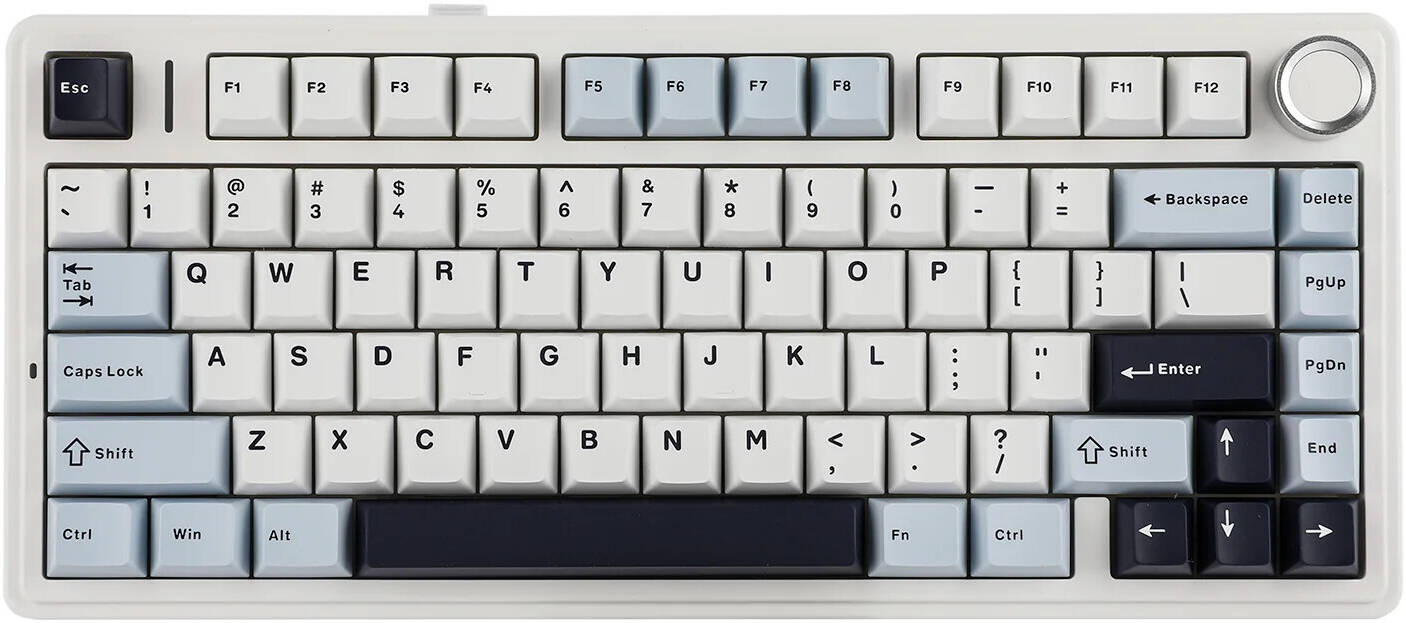
If you are new to MetaTrader 5 shortcuts, start with the ones that directly improve chart reading and platform control. You do not need fifty. A focused set of ten to fifteen hotkeys is usually enough to noticeably speed up your trading workflow. MetaQuotes maintains an official MT5 hotkeys reference, which is worth bookmarking if you want the full list in one place.
| Shortcut | What It Does | Why It Helps |
|---|---|---|
| Ctrl+F | Opens the Crosshair | Useful for measuring candles, ranges, and distances quickly during chart analysis. |
| F8 | Opens chart settings | Lets you adjust colours, common chart settings, and visual layout without digging through menus. |
| F12 | Moves the chart one bar to the left | Great for replay-style bar-by-bar analysis and studying price action manually. |
| Shift+F12 | Moves the chart one bar to the right | Helps you step forward after reviewing previous candles one at a time. |
| Ctrl+T | Opens Toolbox | Quick access to trade, exposure, history, news, alerts, and journal tabs. |
| Ctrl+M | Opens Market Watch | Fast way to switch symbols, check bid and ask, and manage instrument visibility. |
| Ctrl+N | Opens Navigator | Useful for switching accounts, attaching indicators, scripts, and expert advisors. |
| Alt+1 | Bar chart view | Helpful for traders who prefer a cleaner structural look at price. |
| Alt+2 | Candlestick view | The default visual choice for many forex and prop traders. |
| Alt+3 | Line chart view | Can simplify trend direction when candlestick noise feels distracting. |
| Ctrl+G | Show or hide grid | A cleaner chart often makes market structure easier to read. |
| Ctrl+L | Show or hide volumes | Useful when you want a cleaner workspace or need volume context quickly. |
| Ctrl+Y | Show or hide period separators | Handy when you analyse daily boundaries or session behaviour. |
| Ctrl+B | Opens object list | Perfect for managing trendlines, rectangles, session boxes, and other chart drawings. |
| Ctrl+I | Opens indicator list | Lets you remove or adjust indicators quickly while analysing charts. |
If you only want a shortlist, begin with Ctrl+F, F8, F12, Ctrl+T, Ctrl+M, and Ctrl+N. Those alone can noticeably improve your MetaTrader 5 workflow.
Shortcuts For Faster Chart Analysis
Use Crosshair To Measure Before You Guess
Many traders eyeball distance and get lazy with measurements. That becomes a problem when you are checking stop loss size, recent swing range, or candle travel. The Ctrl+F crosshair shortcut is one of the simplest ways to speed up MT5 chart analysis while staying precise.
This is useful for forex pairs, indices, and especially gold where price can move quickly. Instead of dragging tools around the chart manually, you can pull up the crosshair almost instantly and get the information you need.
Step Through Price Action Candle By Candle
The F12 and Shift+F12 shortcuts are underrated. They let you move bar by bar across the chart, which is excellent for manual backtesting, replay-style learning, and studying clean market structure. If you are trying to improve your entry timing, this simple routine can teach a lot.
It is also a smart habit for traders preparing for funded challenges. Instead of overcomplicating your review process, you can strip away distractions and study how price developed one candle at a time.
Switch Chart Views Fast
Not every chart reads well in the same format. Some traders spot trend better on a line chart. Others prefer candlesticks for entry detail. The Alt+1, Alt+2, and Alt+3 shortcuts make it easy to flip between bar, candlestick, and line views in seconds.
That may sound small, but it is a good example of workflow speed. You spend less time adjusting the platform and more time reading structure.
Do not confuse speed with overtrading. Faster navigation should help you follow your setup better, not convince yourself to enter every chart you open.
Shortcuts For Order Entry Workflow
Open The Right Panels Instantly
Order entry usually starts before the order itself. You check the symbol, watch spread, confirm the account, and maybe review your open positions. That is where Ctrl+M for Market Watch, Ctrl+N for Navigator, and Ctrl+T for Toolbox help a lot.
These panels make your MetaTrader 5 order entry process smoother because you spend less time clicking around the terminal. If you want a refresher on what these windows control, the MetaTrader 5 getting-started help section is useful because it covers Market Watch, one-click functions, and the main workspace layout.
Keep Your Chart Clean For Better Execution
A messy chart slows thinking. Use Ctrl+G to remove the grid if you prefer a cleaner layout, Ctrl+L to show or hide volumes, and Ctrl+Y when you want session or period separation. These are simple MT5 hotkeys, but they can make the workspace more readable when you are preparing a trade.
Custom Hotkeys Can Improve Fast Trading Setups
If you use scripts, indicators, or trading utilities regularly, MT5 also allows you to assign hotkeys to items in the Navigator. That can be useful for traders with custom order tools, position-size scripts, or one-click utilities who want an even faster execution setup.
In practice, that means your trading platform can become much more personalised. The more repetitive your workflow, the more value you get from shortcut-based execution. If you work with custom tools, the MQL5 documentation hub and the broader MQL5 community site are good places to explore indicators, scripts, and automation utilities that fit MT5.
If you use a position-sizing script or a trade management tool often, consider assigning it a custom hotkey. That keeps your MT5 order workflow faster and more consistent.
A Simple Daily MT5 Routine Using Hotkeys
You do not need to memorise every MetaTrader 5 shortcut in one sitting. A better approach is to build them into your normal routine.
| Stage | Shortcut Habit | Goal |
|---|---|---|
| Pre-market scan | Use Ctrl+M and Ctrl+N | Check symbols, accounts, indicators, and scripts quickly. |
| Chart review | Use Ctrl+F, Alt+2, Ctrl+G | Measure structure, set a clean candlestick chart, and remove distractions. |
| Manual replay | Use F12 and Shift+F12 | Study candle development and improve patience around entries. |
| Trade management | Use Ctrl+T | Monitor open positions, exposure, trade history, and platform alerts. |
| Chart cleanup | Use Ctrl+B and Ctrl+I | Manage drawings and indicators quickly after analysis or after a trade. |
Why This Matters For Prop Firm Traders
Prop trading is not just about finding a good setup. It is also about following rules consistently. In that kind of environment, platform efficiency matters more than people realise. When your MT5 workflow is smooth, you are less likely to panic, misclick, or lose track of what you were trying to do.
That is why MT5 keyboard shortcuts are especially useful for challenge traders. They help reduce unnecessary platform friction during active sessions. Whether you are checking exposure, reviewing a setup, or managing a clean chart before entry, speed and clarity can support better decision-making.
If you are evaluating funded accounts, it also helps to practise these habits in a realistic environment. That is one reason many traders compare firms like FTMO Global, FTMO US, The5ers, and FundedNext before choosing where to trade.
Quick Prop Firm Snapshot For MT5-Oriented Traders
| Firm | Why Traders Look At It | Link |
|---|---|---|
| FTMO Global | Popular for its challenge structure, trader dashboard, and strong brand reputation in the prop space. | Explore FTMO Global |
| FTMO US | Relevant for traders checking the US-facing route connected to FTMO through OANDA. | Explore FTMO US |
| The5ers | Often compared for its own funding model and trader progression path. | Explore The5ers |
| FundedNext | A familiar brand for traders comparing account models, challenge conditions, and payout opportunities. | Explore FundedNext |
What To Remember Before You Try To Learn Every Hotkey
The best MT5 keyboard shortcuts are the ones you will actually use. There is no need to turn this into a memory challenge. Pick a few shortcuts that fit your trading style, use them every day, and let the habit build naturally.
For most traders, the highest-impact MetaTrader 5 shortcuts are the ones tied to chart analysis, workspace control, and trade monitoring. Start there. Over time, your platform will feel lighter, faster, and more intuitive.
That is really the main goal of this guide. MT5 keyboard shortcuts that speed up chart analysis and order entry are not about being flashy. They are about creating a smoother process so you can analyse cleanly, execute calmly, and stay focused on the trade rather than the terminal.
Want To Apply These MT5 Habits Inside A Prop Firm Challenge?
Once your MetaTrader 5 workflow is sharp, it makes sense to test it in a funded environment. The firms below are some of the most searched names in the space, and each one gives traders another path to compare depending on their goals, location, and preferred challenge style.
Related Content
If you are building out your FTMO US and MT5 workflow, these guides pair naturally with this article and can help readers move from shortcuts to real setup decisions.
Frequently Asked Questions
What Are The Most Useful MT5 Keyboard Shortcuts For Beginners?
The most useful starting shortcuts are usually Ctrl+F for Crosshair, F8 for chart settings, F12 for bar-by-bar movement, Ctrl+T for Toolbox, Ctrl+M for Market Watch, and Ctrl+N for Navigator. These cover chart analysis, workspace control, and trade monitoring.
Can MT5 Keyboard Shortcuts Really Improve Order Entry?
Yes, but mostly by reducing friction around the order process. They help you open the right panels faster, clean up your workspace, and move through your routine with less hesitation. That does not replace discipline, but it can make your execution workflow smoother.
How Do I Use MT5 For Faster Chart Analysis?
Start by using the crosshair for measurements, bar-by-bar stepping for manual replay, and quick chart view switching between bar, candlestick, and line modes. Add grid and volume toggles if you want a cleaner chart. Together, these small adjustments can speed up chart reading a lot.
Can I Create My Own Custom MT5 Hotkeys?
Yes. MetaTrader 5 allows traders to assign hotkeys to scripts, indicators, and expert advisors from the Navigator context menu. This can be useful if you rely on custom trade management tools or position-size utilities often.
Are MT5 Shortcuts Useful For Prop Firm Traders?
They can be very useful. Prop firm traders benefit from consistency and reduced platform friction. Shortcuts help you analyse faster, manage charts more cleanly, and avoid getting bogged down in menus during active sessions.
Should I Memorise Every MetaTrader 5 Shortcut?
No. It is better to master a small set of high-value shortcuts that match your actual trading style. Most traders get the biggest benefit from ten to fifteen shortcuts rather than trying to learn everything at once.
Resources
Disclosure
This page may contain affiliate links. That means The Payout Report may earn a commission if you choose a partner through one of the links above. Always review current platform terms, challenge rules, and eligibility details on the official site before buying any trading product or account.